
Setting up a better home entertainment system can transform how you spend your time at home. When it comes to TV viewing, Boss IPTV Service (Internet Protocol Television) Hindi IPTV channels offer a great solution.
These channels give access to a variety of programs, from daily soaps to movies, news, and even regional content, all through an internet connection.
If you’re looking to improve your home setup and enjoy high-quality entertainment, this guide will walk you through the steps to set it up and maximize the experience with Hindi channels.
Table of Contents
ToggleWhat is an IPTV Service Provider?
An IPTV service provider offers TV content through the internet bandwidth instead of traditional cable or satellite connections.
These providers stream live TV, movies, and on-demand shows over your internet connection. They give access to Hindi content across different genres.
You get flexibility in choosing what to watch and when to watch it.
The provider usually offers a subscription and supports different devices like smart TVs, phones, and tablets.
This setup works well for anyone who wants to watch Hindi programs from anywhere with an internet connection.
Why Hindi IPTV Channels Are a Great Choice?
One of the main advantages of using Hindi IPTV channels is the variety and accessibility they provide.
If you enjoy watching Hindi movies, news, or shows, an IPTV service can bring all of these to your home without the need for a cable or satellite connection.
You can access live TV, video-on-demand, and even catch up on past episodes of your favorite programs.
Additionally, IPTV is available on multiple devices, such as smart TVs, smartphones, and tablets, giving you flexibility in where and how you watch.
Here are some of the reasons Hindi channels might be right for your home setup:
1. Wide Range of Content: Hindi IPTV services offer a broad selection of channels, covering news, entertainment, music, and movies. Whether you’re into reality shows, drama, comedy, or regional content, there’s something for everyone
2. High-Quality Streaming: With modern IPTV services, you can enjoy high-definition streaming that ensures a sharp and clear picture. This enhances your overall viewing experience compared to traditional cable or satellite options
3. Affordable Options: IPTV subscriptions are often more affordable than traditional cable packages. You can find packages that fit your budget while still offering a wide variety of TV content
4. On-Demand Content: IPTV allows you to access on demand content. This means you can watch your favorite TV programs whenever you want, without worrying about missing out.
5. Multi-Device Compatibility: Whether you’re using a smart TV, computer, tablet, or smartphone, IPTV can be streamed on many devices. This makes it easy to watch TV on the go or at home, wherever you prefer.
How to Set Up Hindi IPTV at Home?
Setting up a Hindi IPTV system in your home is easy and doesn’t require a lot of technical knowledge.
Here’s how you can get started:
1. Choose an IPTV Service Provider
The first step in setting-up IPTV is to choose a provider that offers Hindi channels. You don’t need to worry about traditional cable packages anymore.
With IPTV, you can subscribe to a service that focuses on Indian content, including Hindi channels.
Look for a IPTV service provider that offers:
☑️ A variety of Hindi-language content
☑️ Multiple streaming options for different devices
☑️ High-quality streaming with minimal buffering
☑️ Customer support in case you need help
2. Check Your Internet Connection
Since IPTV uses your internet connection to stream content, it’s essential to have a stable and fast internet connection.
Ideally, your home network should have at least 10 Mbps speed for HD streaming, and higher speeds (20-50 Mbps) are recommended for 4K content.
If you’re unsure about your internet speed, you can test it using various speed-testing tools online.
A wired internet is more stable than Wi Fi, so consider connecting your IPTV device directly to your router if possible.
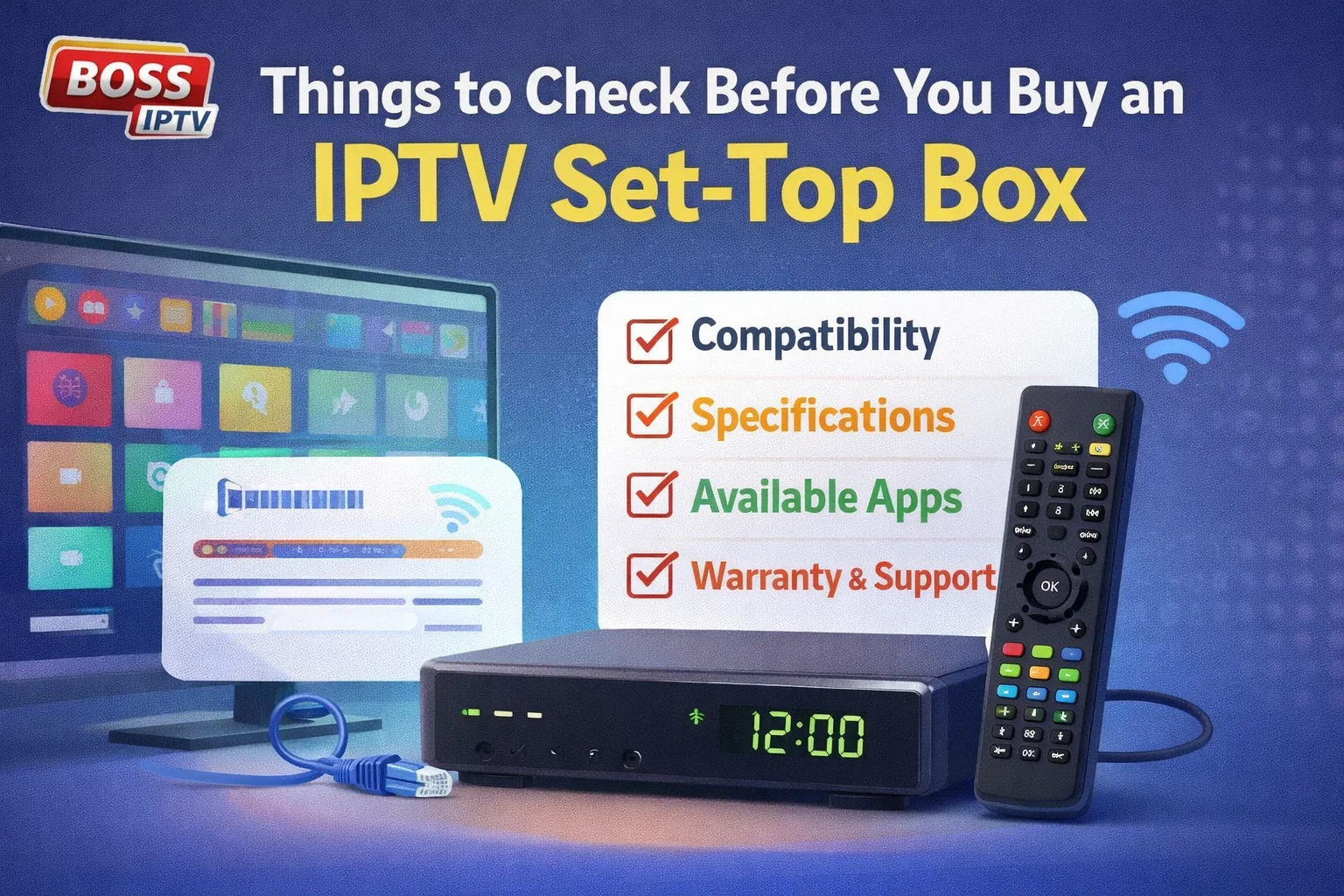
3. Get the Right Hardware
For the best experience, you need the right hardware to stream IPTV channels. You can use devices such as:
☑️ Smart TVs: Most modern smart TVs come with built in IPTV apps or allow you to download IPTV services from the app store.
☑️ Streaming Devices: If you don’t have a smart TV, you can use streaming devices like Mag540, Mag544, or Mag555 to stream IPTV channels.
☑️ Set-Top Boxes: Some IPTV providers offer their own set top boxes that connect directly to your TV.
4. Install the IPTV App
Once you have your IPTV provider and the right device, the next step is to install the IPTV app or EGP software provided by your service.
If you’re using a smart TV, this might involve downloading the app from the TV’s app store.
For streaming devices, you may need to install the app from the respective platform (Amazon Store for Android and Linux IPTV set-top box devices).
5. Configure Your IPTV Account
After installation, open the app and sign in with the account details provided by your IPTV service.
You may need to enter a username and password or provide a code for activation. Once logged in, you can start exploring the channels and content.
6. Start Watching
With everything set up, you’re ready to start enjoying Hindi channels.
You can browse through live TV options, check out the on-demand content, or even schedule recordings for future shows.
Tips for Optimizing Your IPTV Experience
To make the most of your Hindi IPTV setup, here are some tips that can improve your experience:
1. Use a High-Quality HDMI Cable: If you’re using a streaming device or set top box, make sure to use a high quality HDMI cable for the best picture and sound quality. A good cable can help prevent lag or interruptions.
2. Upgrade Your Router: If you’re experiencing buffering or connection issues, it might be time to upgrade your internet router. A router with a higher bandwidth can handle multiple devices and provide stable connection for streaming
3. Manage Your Internet Bandwidth: If multiple devices are connected to the same internet network, you may experience slower speeds. Try limiting the number of devices connected while watching IPTV to improve performance
4. Use the Right Apps: Many IPTV providers offer dedicated apps that provide a better user interface and allow for smoother navigation. Look for apps that offer features like customizable channel lists or parental controls
5. Keep Your Devices Updated: Make sure that your IPTV apps, smart TVs, and streaming devices are regularly updated. These updates often include bug fixes, security patches, and new features that improve the viewing experience.
Enjoy a Better Home Setup with Hindi IPTV
By switching to Hindi channels, you’re opening up a world of entertainment in your home.
Whether you’re keeping up with the latest Bollywood movies, staying informed with news, or catching up on your favorite shows, IPTV makes it easy and convenient.
Plus, with the flexibility to watch on-demand content, you can fit entertainment into your schedule whenever you want.
With the right setup and a fast internet connection, Hindi IPTV offers a seamless and enjoyable way to experience television.
As you customize your home entertainment system, you’ll find that the convenience and variety offered by Boss IPTV’s Hindi IPTV channels lineup are well worth the investment.
So, why stick with traditional cable when you can enjoy everything at your fingertips with IPTV?